How to rent a power bank
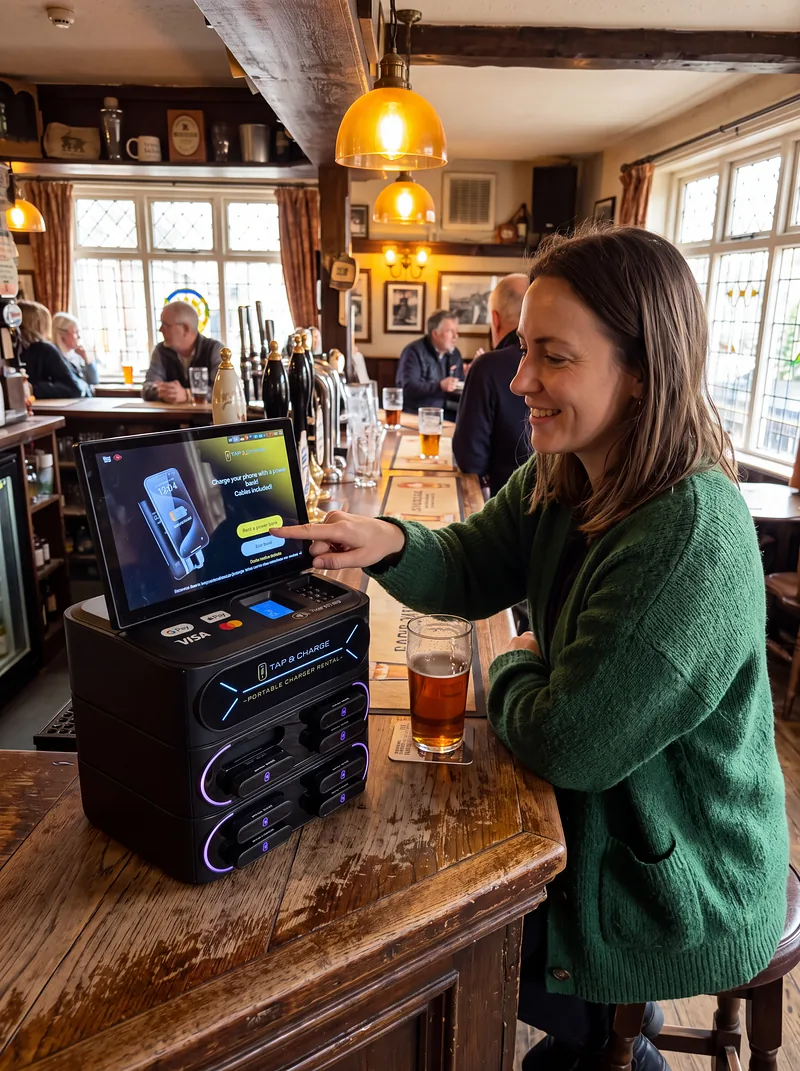
Rent a charged power bank from any Tap&Charge station, charge your phone on the move, and return it to any station shown in the app.
Four steps
Pay by card
Low battery? Not tonight.
Four steps
Tap. Take. Keep going.
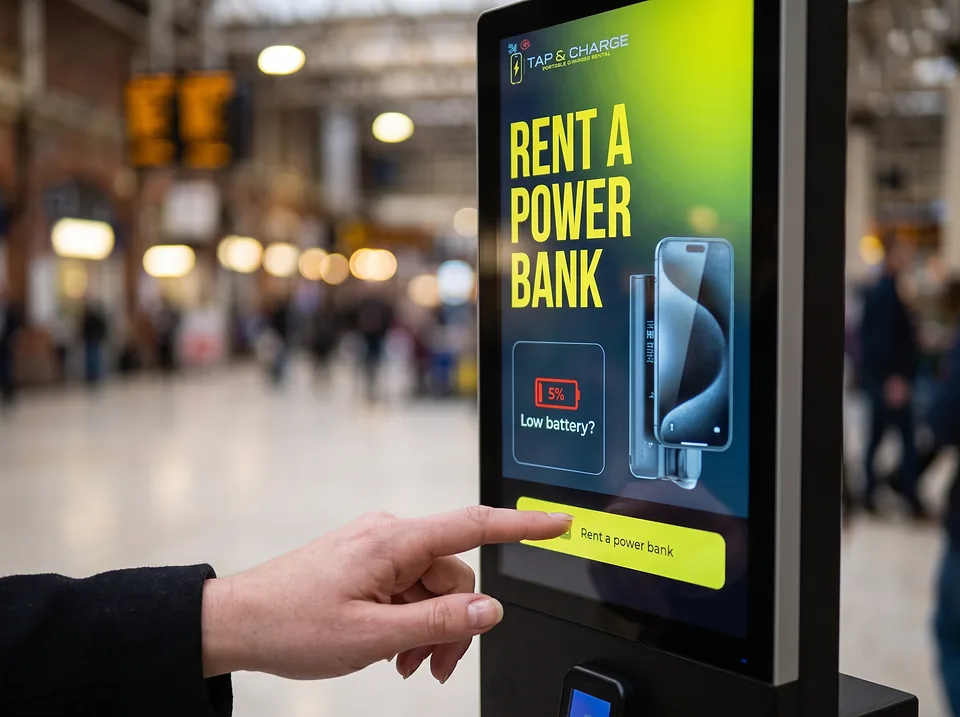
Touch the screen
Follow the on-screen rental instructions.
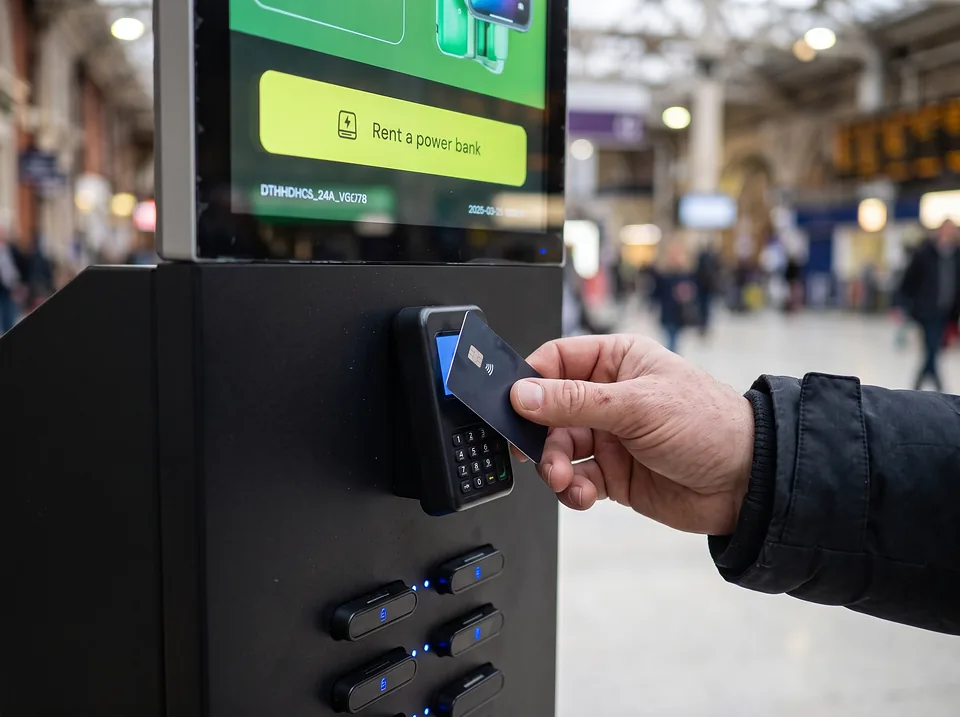
Tap your card
Pay at the separate blue payment reader.
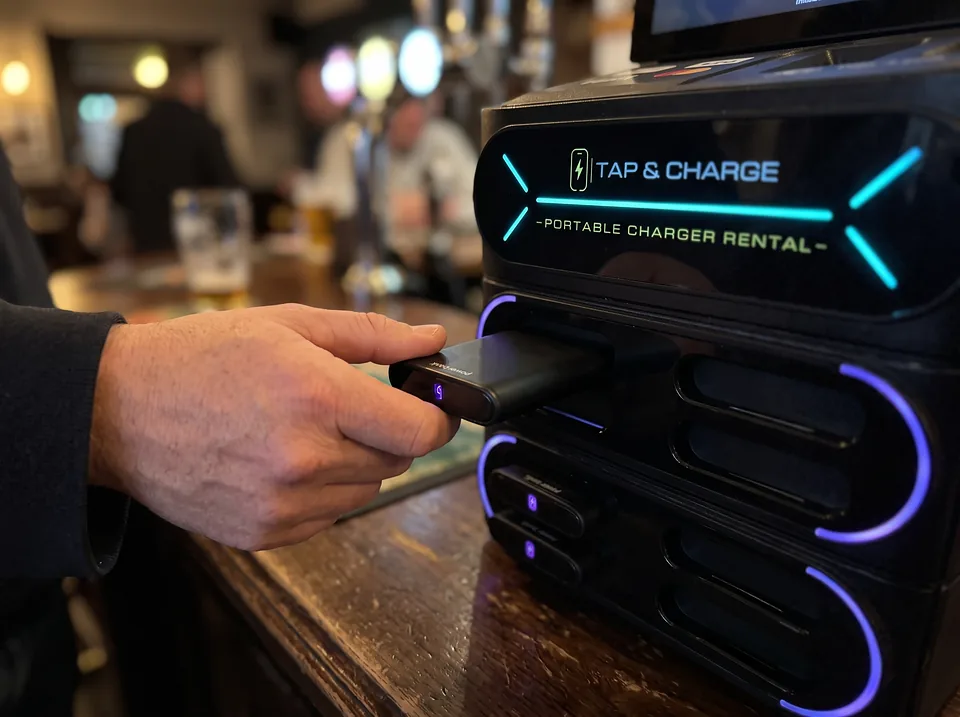
Take a power bank
Pull out the released bank and charge on the move.
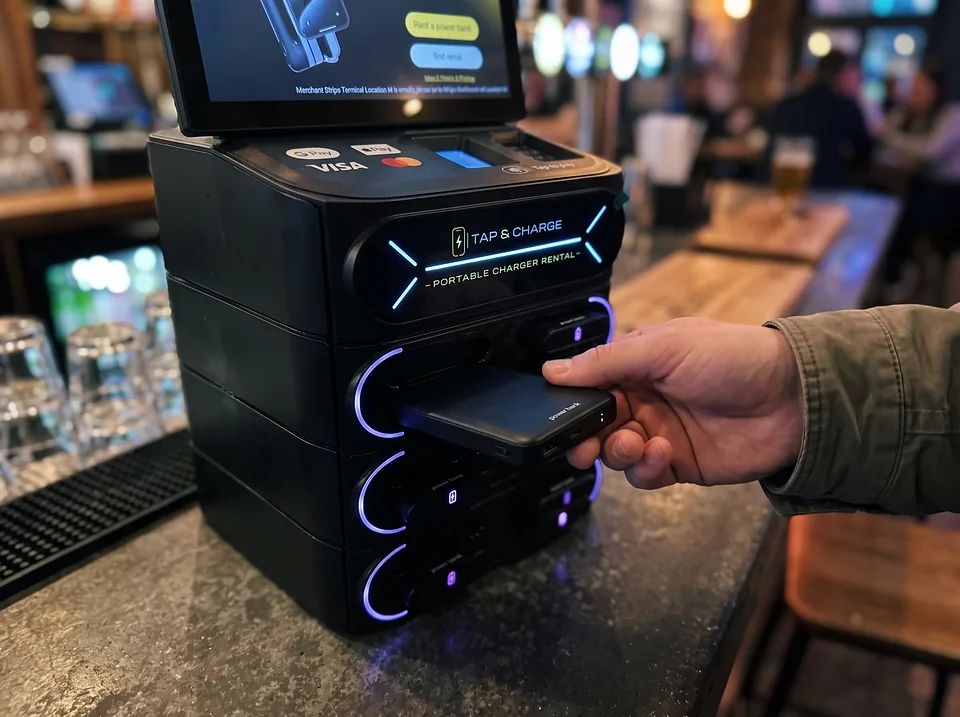
Return nearby
Return to any Tap&Charge station shown in the app.
Price
What it costs
The price is shown on the station screen before you pay. You pay by card at the station’s blue payment reader.
The app
Find a station
The Tap&Charge app shows stations near you, for renting a power bank and for returning one.
The power bank
Power to go
- 8,000
- mAh battery capacity
- Lightning & USB-C
- Connectors that fit iPhones and most Android phones
- 0–35%
- in 30 minutes*
*Tap&Charge-reported example on iPhone 17 Pro Max. Results vary by device, battery condition and use.
Questions
How do I rent a power bank?
Touch the station’s screen and follow the rental instructions, tap your card on the blue payment reader, then take the power bank the station releases.
How much does it cost?
The price is shown on the station screen before you pay.
How do I pay?
By card, at the station’s separate blue payment reader.
Will it charge my phone?
Each power bank has Lightning and USB-C connectors, which between them fit iPhones and most Android phones.
How fast does it charge?
In a Tap&Charge test, an iPhone 17 Pro Max went from 0 to 35% in 30 minutes. Results vary by device, battery condition and use.
Where do I return it?
At any Tap&Charge station shown in the app.
Run a venue? See how hosting a station works.